
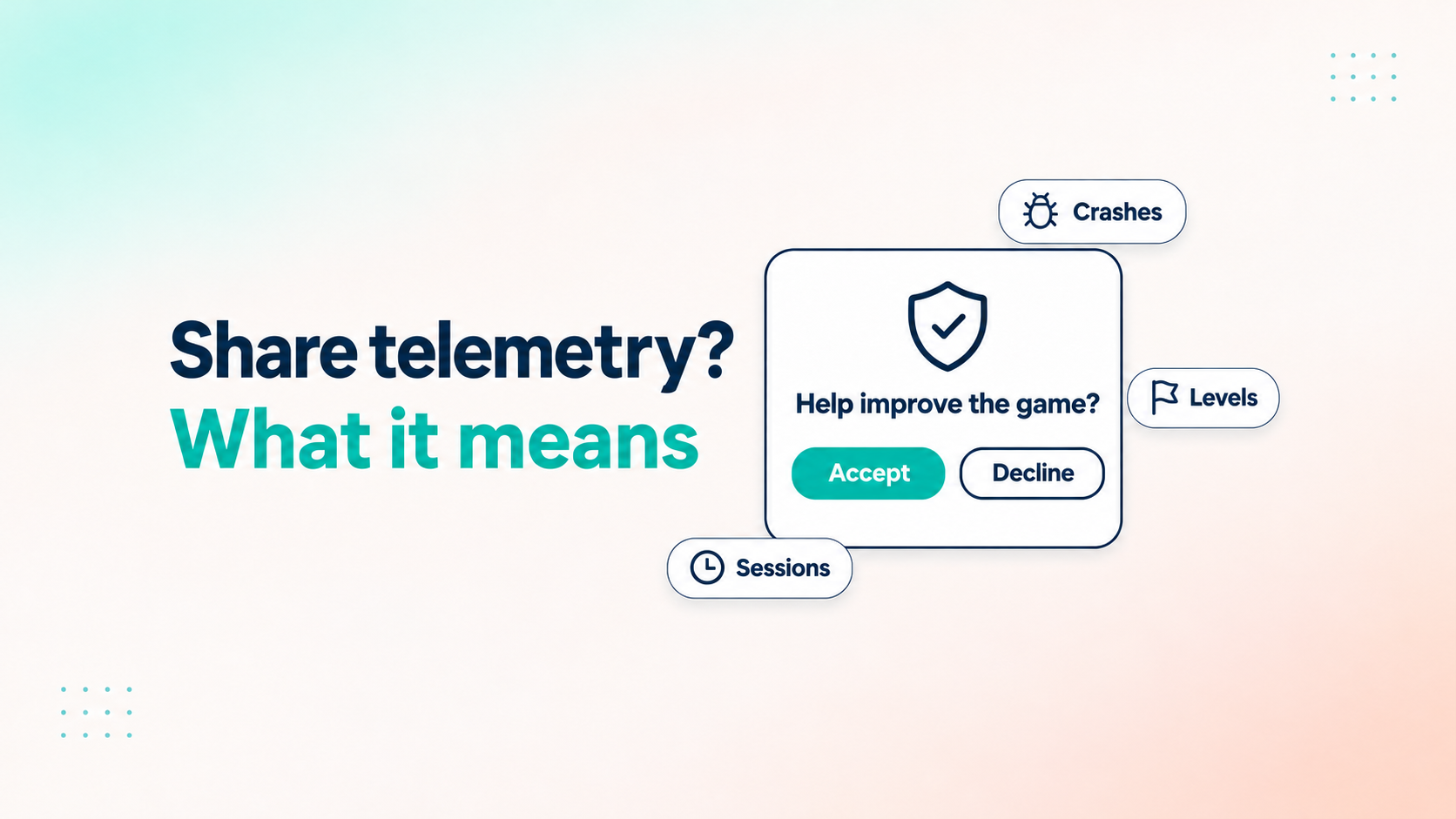
Imagine launching a new game for the first time and seeing a box before the menu loads: "Share telemetry to help improve the game?" There are two buttons, Accept and Decline. Some games offer a prompt like this; others do not. The word sounds technical, and a little like being watched.
This article explains what the setting means, what a game typically sends and what it has no need for, what changes if you turn it off, and why studios ask. The short answer: game telemetry is gameplay and technical data that a game sends back to its studio while you play. Sharing it means you allow the game to send that data.
What "share game telemetry" means in plain words
Game telemetry covers two things: how you play and how the game runs. That can include when a session starts and ends, which level you reached or failed, crashes, frame rate and basic device details. Some games offer a setting for sharing telemetry; what it controls varies by game.
Think of a car's trip computer. It logs distance, fuel use and engine faults so a mechanic can see what went wrong. It does not record what you talk about on the drive. Good game telemetry works the same way: it records what happened in the game, not your conversations or your files.
Each record a game sends is called an event. An event is one small note about one moment, such as "level 3 failed" or "the game crashed," with the time and a few details attached. A game sends many of these while you play, usually in small batches.
One note on the word itself. In sim racing, telemetry means lap times, throttle and brake inputs that drivers study to get faster. That is a different thing. This article is about game telemetry sharing, not about racing data.
What games typically send when you leave it on
Every game decides for itself what to collect, so no two lists are the same. Still, most of what many games send falls into three groups: sessions and progress, technical health, and the in-game economy.
Sessions and progress
A session event marks when you start playing and when you stop. The studio uses it to see how long people play and whether they come back the next day.
Progress events mark the levels or missions you start, finish and fail. They show the studio which levels stop too many players. Tutorial steps work the same way. If many new players quit at the third tutorial screen, that screen is worth a closer look.
Crashes, frame rate and device details
When the game crashes, a crash report records what the game was doing at that moment. Frame rate data shows where the game stutters, such as one busy area of a map.
Device details make both far more useful. A typical set is the device model, the operating system version, your language setting and your time zone. On its own, a crash is a single error. With device details, a pattern appears: maybe every crash comes from one phone model or one system update. The developer then knows where to look and which device to test on.
Purchases and in-game economy
Many games also send store views, purchases, and the coins or gems you earn and spend. This is how a studio checks whether its economy feels fair.
Say a puzzle game's designers suspect that players run out of coins too early. Economy events show how many coins players have when they reach each level. If most players hit zero long before the levels get hard, the designers can give out more coins or make items cheaper.
What telemetry usually has no reason to include
Many gameplay questions can be answered without names, email addresses, chat messages or files on your computer. Collect only fields needed for the stated purpose; some games may also use account or pseudonymous IDs and device details. "Which level is too hard?" needs level results, not necessarily a name.
That does not make the data anonymous. Many games attach a random-looking, pseudonymous player ID so they can connect events over time. That ID can still count as personal data, even without your name, particularly if it can be linked back to you. Do not assume telemetry is anonymous just because it looks like a string of letters and numbers.
Check a particular game's privacy policy and settings for what it collects and the controls it offers. If the policy is vague or missing, treat that as information too.
Example: one event from a synthetic match-3 game, field by field
Here is one event row from Rawbbit's demo project. The game is a synthetic mobile match-3 game. Its data is generated for the demo, so no real players are behind it. The event is called "level failed," and it was sent during a player's first session on an Android phone.
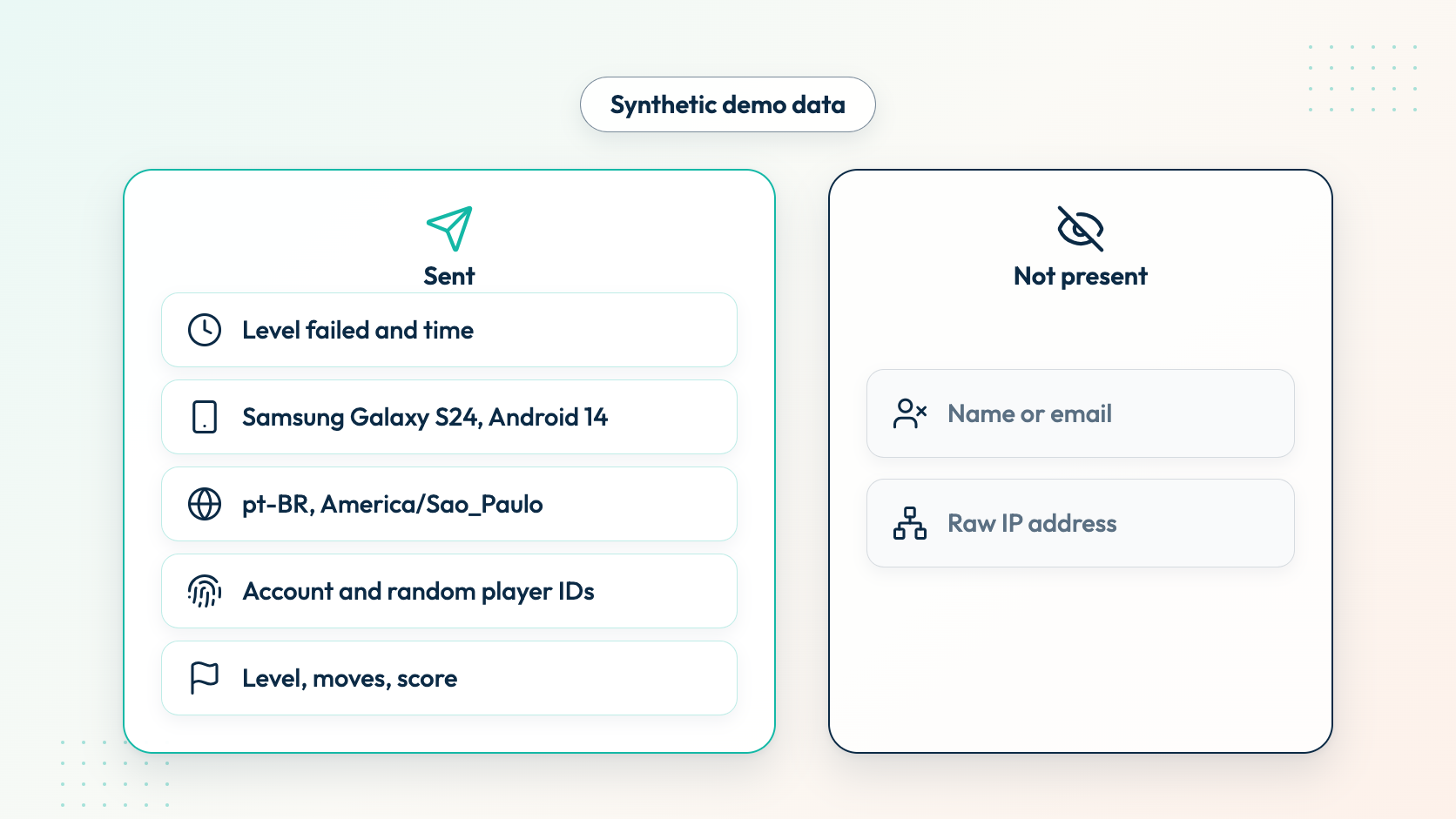
One level-failed event from Rawbbit's synthetic match-3 demo, not real players.
This is what the event carries:
- The event name and the time it happened.
- The platform (Android), the game's app version (0.4.1), the operating system (Android 14) and the phone model (Samsung Galaxy S24).
- The language and region pt-BR, meaning Portuguese as used in Brazil, and the time zone America/Sao_Paulo.
- A game account ID and a random player ID, which link this event to the player's other events.
- What happened: the player ran out of moves on level 4 after 25 moves and 118 seconds, with a score of 18,928.
What it leaves out matters just as much. There is no name, email or raw IP address in this synthetic example. Rawbbit's event-schema article describes a salted IP hash. It also describes a rough country derived from the address when a lookup is enabled and succeeds. A single example does not describe every game's or service's configuration.
Now look at the two IDs. The account ID ties the event to the player's game account. The pseudonymous player ID connects their events from one session to the next. These identifiers can link recorded events and may count as personal data even with no name attached.
The event also carries a consent record. In this synthetic example, the recorded values say analytics is allowed, while ad storage and personalization are off; they do not represent a real player's choice. The record on its own does not enforce those values or control how the data gets used; that is up to the game and the studio behind it.
Another event in the same demo data shows how a session ends. In one "session ended" event, a first session on a Pixel 9 ended after 826 seconds when the player switched away from the app.
Studio readers can see what a game event contains field by field, and where one event goes after the game sends it.
Should you turn it off? What changes when you do
Some games offer a first-launch prompt or settings to control telemetry. Check the game's settings and privacy policy to see what choices are available, how to change them and what they affect. When a game never asks, read its privacy policy before you play.
Depending on the game and the control, turning telemetry off may mean the studio receives less data from your play. A crash report or level attempts might not reach the developers, though other data may still be sent. Problems on unusual hardware can be rare and easy to miss.
A reasonable rule: leave telemetry on if you trust the studio and its privacy policy says clearly what it collects. Turn it off if you do not trust the studio, or if the policy leaves you guessing.
Why studios ask: the decisions behind the data
Studios ask because telemetry turns guesses into answers. Here is how that looks in practice. This example is made up; the game does not exist.
A small team ships a patch for a PC survival crafting game. Within days, crash reports pile up. Each report comes with device details, and almost all of them share one graphics card model. They also happen in one snowy area of the map. Without telemetry, the team would read angry reviews and test on random machines. With it, the developer who owns the build buys that card and reproduces the crash in an afternoon.
The same patch shows a second pattern. Progress events reveal that many players stop at one quest, the first boss fight, and do not come back. The designers now know where to look.
What telemetry cannot tell them is why. Maybe the boss is too hard. Maybe the quest is boring, or the reward feels too small. Telemetry shows what players do, not what they intend. Playtests, reviews and community feedback fill in the reason.
These are the everyday decisions behind the data: finding levels that are too hard, seeing where players drop off in the first session, and reading retention curves to see who comes back. Before launch, the same thinking applies to what to measure in a playtest.
If you make the game: collect openly, ask first, keep only what you use
Players accept telemetry when they understand it. That starts at the prompt. Say in plain words what the game collects and why, before it sends anything. "We send crash reports, level results and device model to fix bugs and balance levels" earns more trust than "help improve the game."
Then keep the list short. Collect only events that answer a decision your team will actually make. A designer who knows which questions matter can plan only the events you will use, and leave names, emails and chat out of events entirely.
Where the data lives matters too. If your studio owns its raw event history, your studio decides who can access it and how long it is kept. That is the idea behind why owning the raw event history matters.
Rawbbit is built around that idea. It is open-source game analytics you host yourself: the game sends event batches over HTTPS, and Rawbbit writes the raw events in an open file format other tools can read, to storage your studio controls. Your metrics can be rebuilt from that history.
Rawbbit is not a switch you flip. The developer who owns the build still adds the events to the game, and a designer or analyst still has to read the results. For what to send first, start with which telemetry events a studio should send first. To see the full path, read how Rawbbit keeps raw game events in your own storage. When you are ready, you can self-host it free from GitHub. If you would rather have a managed setup we price for your studio, see self-host free or ask for a quote.
FAQ
Is game telemetry spyware?
Not inherently. Telemetry can record game activity, such as sessions, level results and crashes. What a game collects and whether it discloses that collection or offers controls vary. Check its privacy policy and settings; the word telemetry alone does not establish whether software is spyware.
Can game telemetry identify me?
It can, depending on the data and who can link it to you. Many games attach a pseudonymous player ID to connect events over time; it can count as personal data even without your name. Device details add to the picture. Check the game's privacy policy to see what it collects and how long it keeps it.
Does turning off telemetry make a game run faster?
Not necessarily. Any performance effect depends on the game and its telemetry implementation. Consider the privacy implications and the available controls; if a game runs slowly, graphics settings may also be worth checking.
What is the difference between telemetry and a crash report?
A crash report is one kind of telemetry. It can be sent after a crash and may record what the game was doing at that moment. Telemetry can also include events such as sessions, progress and purchases while the game runs normally. What is collected and sent depends on the game and its settings.
Why do games ask to share telemetry on first launch?
Some games ask on first launch to offer a choice early and explain what they collect and why. A prompt does not necessarily appear before every kind of data is sent, and available controls and their effects vary by game. Check the game's privacy policy and settings.