
A game designer asks which level players give up on. The developer who owns the build finds only game_over events with no level and no session attached, because nobody designed them for that question.
Send sessions, levels and the economy first. Give every event a plain name like level_failed. Send them over HTTPS into raw storage you own, then load them into a database you can query. This guide explains each step and ends with a match-3 example that takes one question from events to an answer.
Behavior telemetry, profiling and analytics: which one this is about
People use "game telemetry" for three different jobs. Behavior telemetry records what players do: a session starts, a level fails, coins get spent. Performance profiling measures how the game runs, such as frame time, CPU and GPU load, and memory. Analytics comes after collection, when a designer or analyst turns those events into answers.
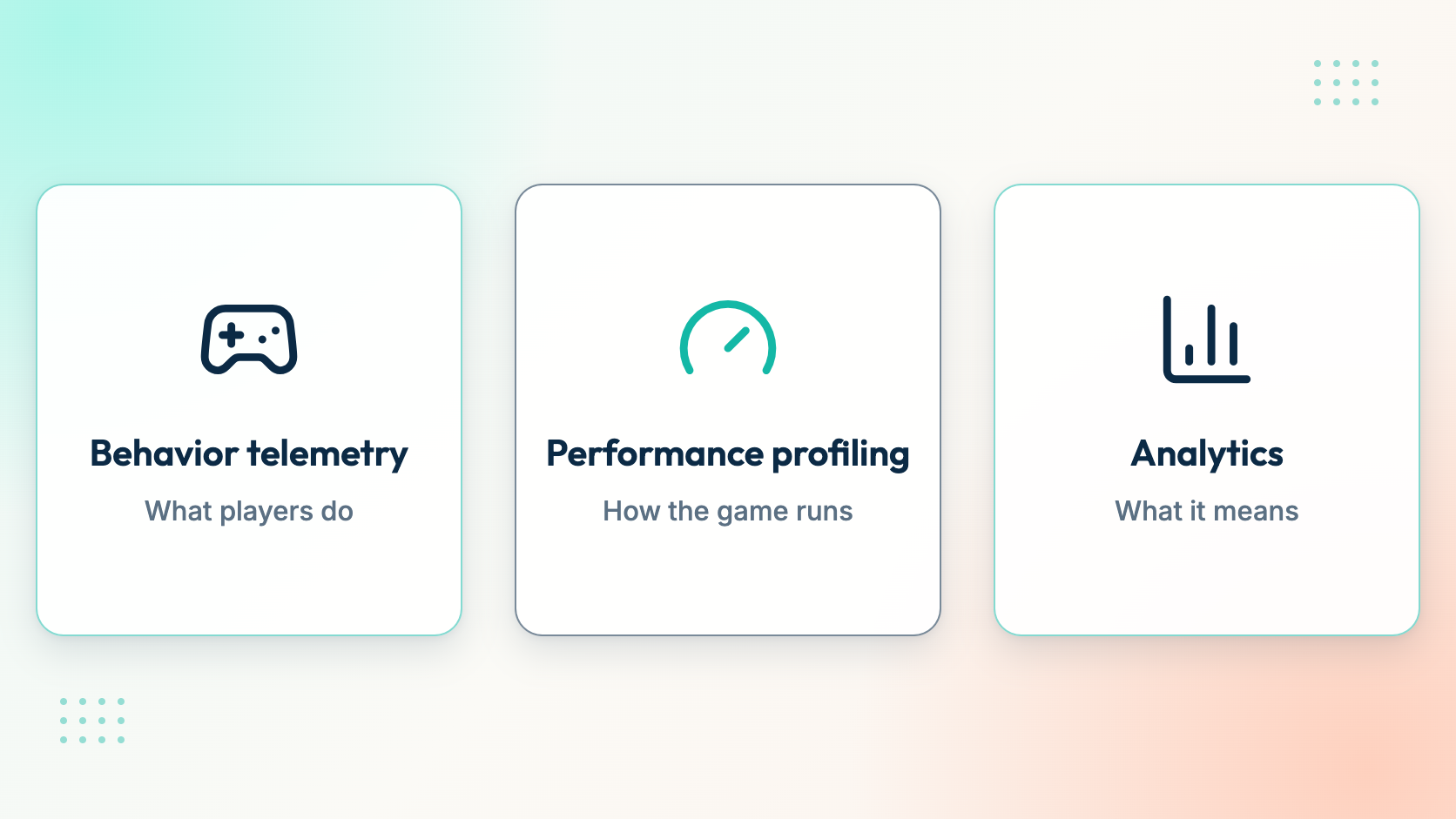
Same word, three different jobs.
This guide covers behavior telemetry and the road from it to analytics. Profiling is a separate job, done with tools built for frame-level timing. Keep the two apart. A frame-time trace and a level_failed event answer different questions, and different people read them.
Step 1: Write down the question before you add an event
Start with a written question and a name next to it. The designer asks where players fail. The analyst asks what paying players bought and what they did before buying. Then the developer who owns the build adds the events and fields that answer those questions.
This order matters because an event designed without a question usually lacks the field the question needs. A game_over event with no level cannot say where players give up. Without a session ID, it cannot say whether they came back. Adding the field later takes a new build, and the events sent before it stay without it.
Tracking everything "just in case" looks safe, but it fails in a quieter way. Each event costs time to add, test and keep correct across builds. When nobody has a planned use for an event, nobody notices when it breaks. Three questions with clear owners give you a short list that the team actually checks.
Step 2: Send sessions, levels and the economy first
Three groups of events answer three early questions: do players come back, where do they get stuck, and what do they spend. Send these before anything else.
Sessions. Send session_started and session_ended. They frame everything else: retention, session length and the events inside one visit all depend on them. Every other event then carries the same session_id, so you can line up what happened in one sitting.
Levels. Add level_started, level_completed and level_failed, plus level_retried if players can try again. Starts matter as much as fails. Without level_started you know how many times players failed, but not out of how many attempts. That means no fail rate.
Economy. Track currency_earned and currency_spent for soft currency, and iap_started, iap_completed and iap_failed for purchases. Put them in the same event stream as gameplay. A common pain is purchase data that lives in a separate system and cannot be joined with what the player did before buying. One stream makes that join a plain SQL query.
Leave tutorials, ads, boosters and offers for later, and add each one when a question needs it. The demo dataset in the worked example below has 36 event names. You do not need that many on day one, and a smaller first set is easier to test properly.
Step 3: Name events object_action and give them one envelope
Name every event in snake_case as object_action: level_failed, not FailLevel or game_over. The object comes first, so all level_ events sort together in a list and one SQL pattern finds them. Lowercase with underscores also removes a class of bugs where FailLevel and failLevel count as two different events. Pick this one convention and use it everywhere: code, docs and dashboards.
Give every event the same envelope: event_id, event_time, user_pseudo_id, session_id, platform and app_version. The envelope answers who, when, in which visit and on which build. Because of that, every query can start the same way. Game-specific fields such as level_id, fail_reason or moves_used go into the event's parameters. The envelope stays stable while each event carries what its question needs.
The event_id needs care. Delivery is at-least-once: if a batch times out and the game sends it again, the same event can arrive twice. Retries keep their event IDs, so duplicates can be found. Rawbbit's dbt load into ClickHouse keeps one row per app and event_id within each load window. Create the ID once, when the event happens, never at send time. A new ID on every retry turns one fail into two.
Decide player identity and consent early too. The user_pseudo_id should be a pseudonymous ID, not an email or a name, and it should stay the same for one player across sessions. Changing how you build it after launch splits one player into two. The demo row in the worked example also carries a consent object, so queries can respect what the player agreed to. For the full field list, see what your game sends and what Rawbbit adds.
Step 4: Send batches over HTTPS from the game
Send events in batches, not one request per event. The game collects events in a local queue and sends them together. That means fewer network calls and one place to handle retries.
With Rawbbit, batches go to POST /v1/events:batch with an ingest key scoped to one app. Browser games also need their origin on the allowed list, because browsers block cross-origin requests otherwise (CORS). One request takes up to 500 events or 1 MiB. That is a per-request limit, not a quota, so a game with a bigger backlog splits it into several requests.
For browser games, the JavaScript SDK handles batching, an offline queue, retries and consent. For Unity, C# SDK source exists. At the time of writing, it has not been validated in the Unity Editor or on devices, so the developer who owns the build should test it there first. There is no native Unreal or Godot SDK yet. Any engine that can make HTTPS requests can send batches directly.
Sending directly takes a small piece of code. Queue events on the device, send them in batches within the limits above, and retry failed requests with the same event IDs.
Step 5: Keep the raw events, then load them where you can query
Keep every accepted event as raw data in storage you own, and treat it as the source of truth. Then load it into a database built for queries. The raw copy matters because your questions will change. When the designer needs a field you never parsed, you rebuild from raw events instead of starting history from zero.
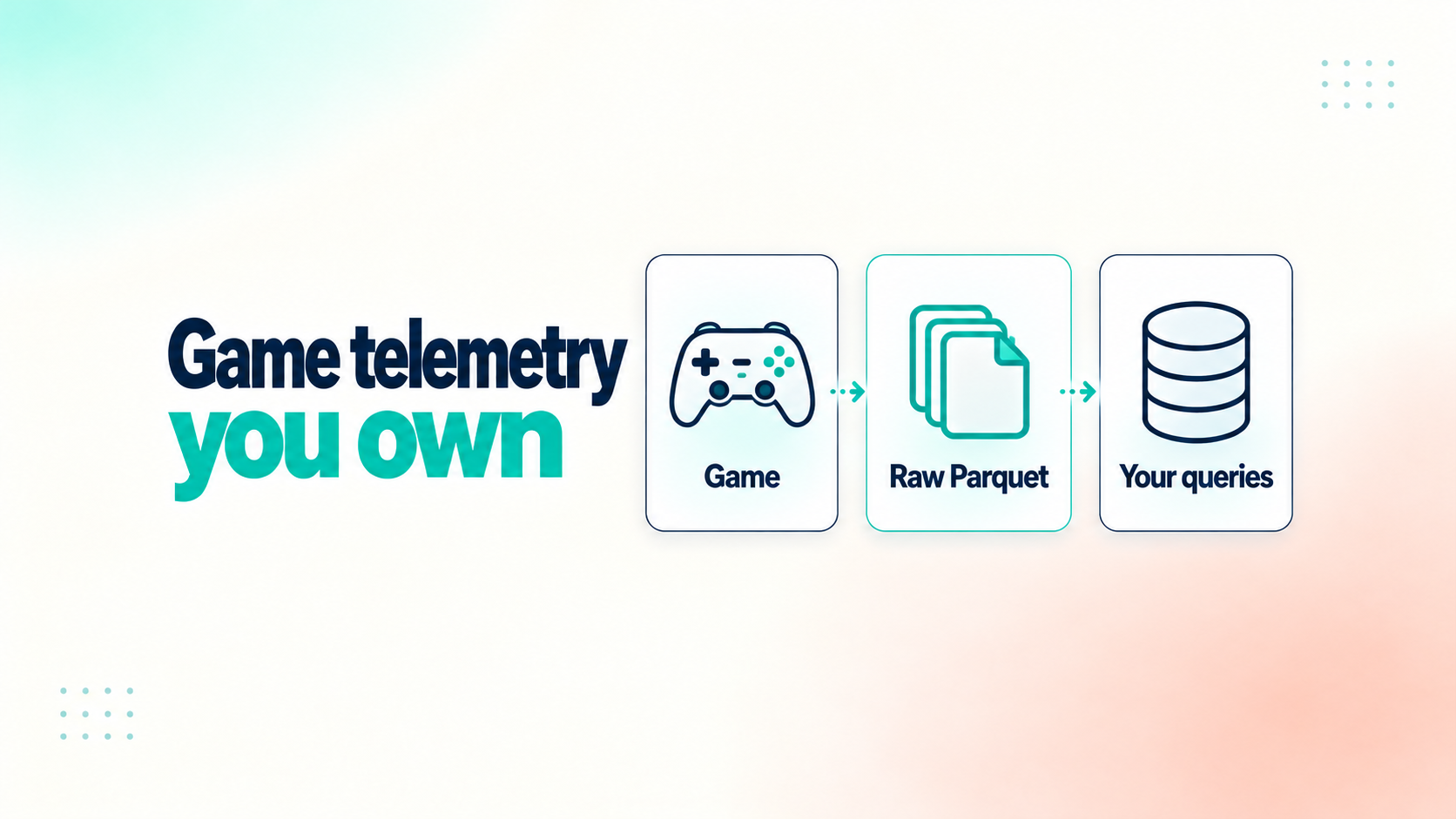
Raw Parquet stays the source of truth; ClickHouse can be rebuilt from it.
Rawbbit follows this path. The collector checks the ingest key and the batch structure. NATS JetStream buffers the events. A writer service stores them as Parquet files in S3-compatible storage. dbt Core loads those files into ClickHouse, where Metabase dashboards, direct SQL and AI agents through MCP can query them. ClickHouse sits downstream and can be rebuilt from the Parquet files.
Two details shape what the team sees. First, events become queryable after loading, not the moment the collector accepts them. In the open-source setup, the load runs hourly over complete hours. Second, the collector checks structure, so a level_failed event missing its level field can still be accepted. The developer who owns the build should check those fields against the questions from Step 1.
For each part in more detail, see how the Rawbbit pipeline works. You can also follow one event through the pipeline, read why the raw layer is the contract, or learn about ClickHouse as the query layer.
Worked example: where players fail in a match-3 demo
This example uses the Rawbbit demo project, a synthetic match-3 mobile game. Its events are generated for the demo, not sent by real players. The dataset holds 13,930,976 events from 129,587 players, with 36 event names, all in one analytics.events table in ClickHouse.
The question and the events behind it
The designer's question is the one from the start: where do players fail, and does failing make them leave? Three events answer it: level_started, level_failed and level_retried. Here is one level_failed row from the demo, with its envelope columns and the JSON columns for parameters and consent expanded:
{
  "event_id": "a3e4b42d-5bd7-592a-801c-5585eae21521",
  "event_name": "level_failed",
  "event_time": "2026-06-13T20:06:10",
  "user_pseudo_id": "01806ac1-f5ca-5b88-b05c-1a0c6a1b25d5",
  "session_id": "a875be8d-3480-57dc-8362-b86620387c86",
  "platform": "android",
  "app_version": "0.2.0",
  "event_params_json": {
    "level_id": 7,
    "result": "fail",
    "duration_seconds": 169,
    "moves_used": 25,
    "fail_reason": "out_of_moves",
    "continues_offered": true,
    "score": 8795,
    "session_index": 1,
    "is_first_session": true,
    "journey_cohort": "stuck_churner"
  },
  "consent_json": {
    "analytics_storage": true,
    "ads_storage": false,
    "personalization": false
  }
}
This row carries level_id (7) in its parameters. Its user properties, left out of the block above, carry player_level (3). For a per-level fail map, give level_started and level_failed in your game the same level field in the parameters. Then every query can group by the level that was attempted.
The query and what it shows
The query below counts starts and fails for each player_level value and divides one by the other. It groups by the player_level user property, the field this demo query used.
SELECT
  JSONExtractInt(user_properties_json, 'player_level') AS player_level,
  countIf(event_name = 'level_started') AS starts,
  countIf(event_name = 'level_failed') AS fails,
  uniqExactIf(user_pseudo_id, event_name = 'level_failed') AS failing_players,
  round(countIf(event_name = 'level_failed')
    / nullIf(countIf(event_name = 'level_started'), 0), 3) AS fail_rate
FROM analytics.events
WHERE app_id = 'match3.mobile.game'
  AND event_name IN ('level_started', 'level_failed')
GROUP BY player_level
ORDER BY fails DESC
LIMIT 15
| player_level | starts | fails | failing_players | fail_rate |
|---|---|---|---|---|
| 8 | 33,023 | 4,391 | 4,390 | 0.133 |
| 7 | 32,139 | 4,324 | 4,323 | 0.135 |
| 6 | 30,966 | 4,284 | 4,281 | 0.138 |
| 5 | 28,917 | 4,002 | 4,000 | 0.138 |
| 4 | 26,883 | 3,770 | 3,768 | 0.14 |
| 3 | 24,150 | 3,600 | 3,596 | 0.149 |
| 2 | 20,163 | 3,016 | 3,012 | 0.15 |
| 9 | 19,247 | 2,354 | 2,354 | 0.122 |
| 1 | 14,726 | 2,128 | 2,128 | 0.145 |
| 10 | 14,501 | 1,686 | 1,686 | 0.116 |
| 11 | 10,844 | 1,141 | 1,140 | 0.105 |
| 12 | 8,556 | 971 | 971 | 0.113 |
| 13 | 6,523 | 715 | 715 | 0.11 |
| 14 | 4,897 | 526 | 526 | 0.107 |
| 15 | 3,713 | 406 | 406 | 0.109 |
Rows with a low player_level value have the highest fail rate. The fail rate is 0.15 at player_level 2 and 0.149 at player_level 3. From player_level 10 up, it stays between 0.105 and 0.116.
In the demo, failing alone does not seem to push players out. The demo has 38,409 level_failed events and 38,271 level_retried events. Players also spend lives 30,033 times and use boosters 140,538 times.
To see where players actually leave, a second query takes the last gameplay event of each session:
SELECT last_event, count() AS sessions
FROM (
  SELECT session_id, argMax(event_name, event_time) AS last_event
  FROM analytics.events
  WHERE app_id = 'match3.mobile.game'
    AND event_name NOT IN ('session_ended', 'app_opened', 'connectivity_check')
    AND session_id IS NOT NULL
  GROUP BY session_id
)
GROUP BY last_event
ORDER BY sessions DESC
LIMIT 10
| last_event | sessions |
|---|---|
| currency_earned | 178,004 |
| level_map_viewed | 35,716 |
| tutorial_abandoned | 11,785 |
| session_started | 6,384 |
| tutorial_completed | 4,933 |
| offer_viewed | 297 |
| ad_completed | 149 |
| lives_refilled | 135 |
| iap_completed | 2 |
level_failed is not on the list at all, so in the demo no session ends right after a fail. The two biggest rows are ordinary places for a visit to end: a player collects coins or checks the level map, then closes the game. tutorial_abandoned is different, because the event itself names a player quitting. That makes the tutorial the clearest exit point, with 11,785 sessions ending there. The designer now has a concrete next step: look at the tutorial and at rows with a low player_level, side by side.
The same queries can feed a dashboard. You can build a game-design dashboard in Metabase from them, or ask an AI agent about your events through MCP. For agent setup, see how to connect MCP to Codex.
When a packaged analytics tool is enough
If standard dashboards already answer your questions, a packaged analytics tool may be all you need. Retention, session counts and basic funnels are common ground, and moving off a working setup has a real cost.
Owning raw events pays off when the questions go past those dashboards. Typical cases are joining purchases with player events, keeping a portable history you can move or rebuild, and giving analysts or AI agents direct SQL access. If none of those apply yet, waiting is a fine choice.
Either way, the tool does not design your tracking. The designer or analyst still defines the events and reads the results. An AI agent can query the data, but it does not decide what the game should record. Teams that want this setup without running servers can read how a managed pipeline works.
Try it on one game
A good test of this guide is one game you are working on now. Rawbbit's Design Partner Program lets you try it on one game in a free pilot. The pilot has a fixed scope: you connect one game, then agree on three business questions and an event taxonomy with the Rawbbit team. It needs technical participation from your side, such as the developer who owns the build.
To run it yourself instead, Rawbbit is open source under Apache 2.0, and you can self-host it free from GitHub. A managed setup is priced by quote. The pricing page covers both: self-host free or ask for a quote.
FAQ
Is there a difference between game analytics and game telemetry?
Yes. Game telemetry is the data a game sends about what happens in it, such as sessions, levels and purchases. Analytics is the work of turning that data into answers, like a fail rate per level. Telemetry comes first; analytics is what a designer or analyst does with it.
Is game telemetry the same as performance profiling?
No. Behavior telemetry records what players do. Performance profiling measures how the game runs: frame time, CPU and GPU load, and memory. They use different tools and answer different questions.
Which events should a game track first?
Start with sessions (session_started, session_ended), levels (level_started, level_completed, level_failed, level_retried) and the economy (currency_earned, currency_spent, iap_started, iap_completed, iap_failed). Give each event the same envelope: event_id, event_time, user_pseudo_id, session_id, platform and app_version.
Can I send game telemetry without an SDK, for example from Unreal or Godot?
Yes. There is no native Unreal or Godot SDK yet. Any engine that can make HTTPS requests can send batches directly. With Rawbbit, batches go to POST /v1/events:batch with an app-scoped ingest key, up to 500 events or 1 MiB per request.
Can telemetry events arrive twice?
Yes. Delivery is at-least-once, so a retried batch can deliver an event again. Retries keep their event IDs, which is how duplicates are found. Rawbbit's dbt load keeps one row per app and event_id within each hourly load window.
Do I need a data engineer to use game telemetry?
Not to start. Sending events over HTTPS is a job for the developer who owns the build, and a designer or analyst can define the questions. A self-hosted pipeline does need whoever runs the servers to maintain it. A managed setup, priced by quote, moves that work to the Rawbbit team.