
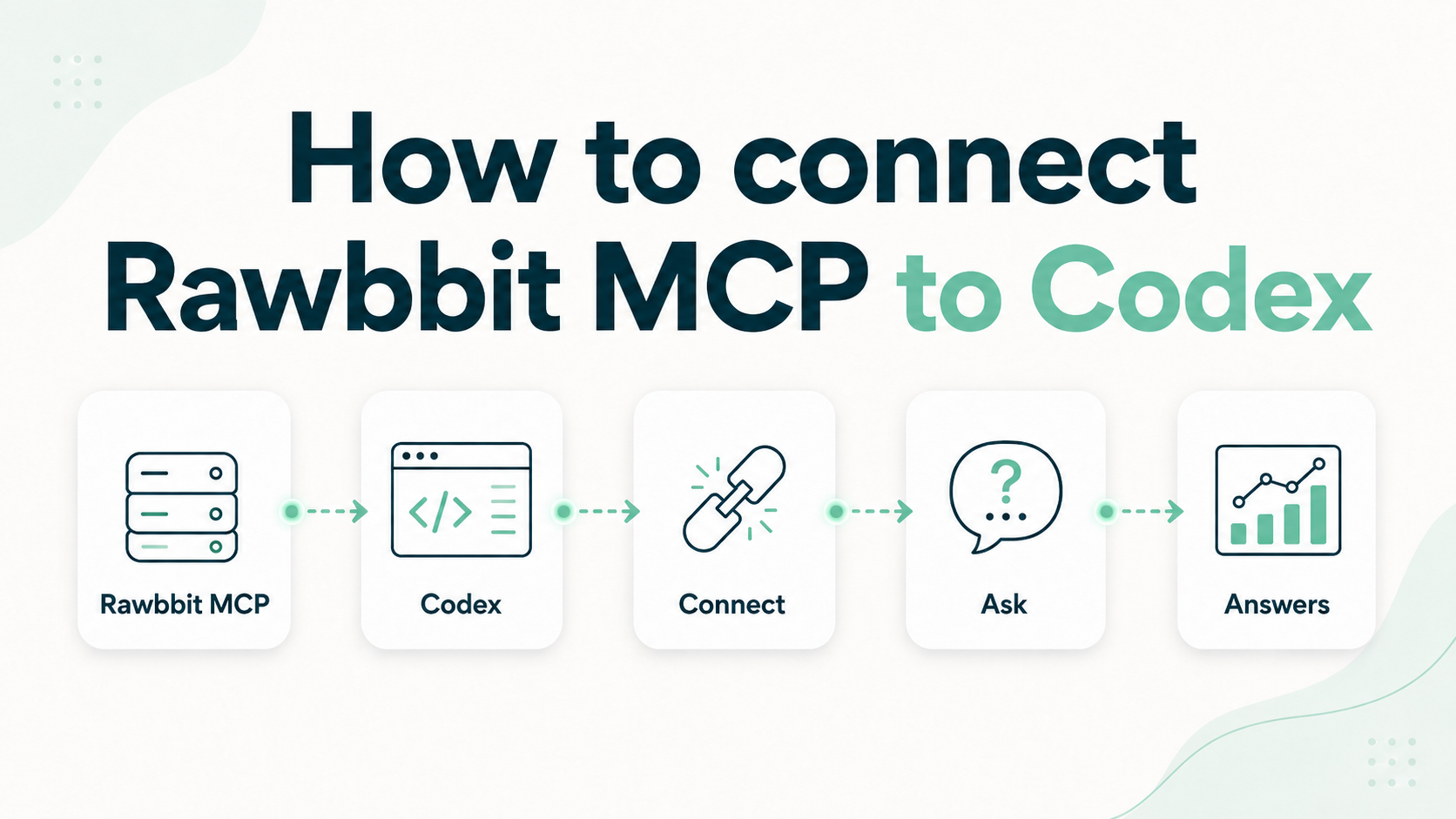
How to connect Rawbbit MCP to Codex
This article is for people who already have Rawbbit running, or who are about to, and want Codex to query game events the same way a SQL user would.
Rawbbit MCP is a read-only analytical surface over ClickHouse, usually analytics.events. It is not a chatbot product. Codex connects to it over HTTPS with a bearer token, then uses a small set of tools to list events, sample rows, run guarded SQL, and calculate things like DAU or a short funnel.
If you also give Codex access to the game repository, the same session can look at analytics and code together. That second part is a Codex/repo permission. MCP itself does not read your game source.
The architecture page this belongs next to is How it works.
What you need
- A Rawbbit deployment far enough along that ClickHouse has events in the configured table, usually
analytics.events - The Rawbbit MCP server enabled and reachable over HTTPS
- Codex with MCP client support
- A bearer token for a least-privilege MCP user
Do not put real tokens in git, screenshots, or chat logs.
The hostname on the public Rawbbit site is https://mcp.rawbbit.net/mcp. Treat that as the demo/example endpoint. On your own stack, use your MCP hostname. The path is /mcp.
Add the server in Codex
Codex reads MCP servers from ~/.codex/config.toml. The current documented shape:
[mcp_servers.rawbbit]
url = "https://mcp.example.com/mcp"
http_headers = { Authorization = "Bearer <redacted>" }
Replace the URL with your endpoint. Replace MCP_AUTH_TOKEN with one of the values from MCP_API_KEYS_JSON on the MCP host.
Restart Codex after saving the file, or reload MCP servers if your Codex build has that command.
The snippet on /how-it-works is the OpenCode JSON shape. Codex uses TOML and http_headers instead of headers. Same URL, same Authorization: Bearer … header.
OpenCode equivalent, only so you do not paste the wrong format into Codex:
{
  "mcp": {
    "rawbbit_clickhouse": {
      "type": "remote",
      "url": "https://mcp.example.com/mcp",
      "enabled": true,
      "headers": {
        "Authorization": "Bearer <redacted>"
      }
    }
  }
}
First checks
Once Codex sees the server, use the Rawbbit tools in this order:
healthcheck— ClickHouse is reachable. You wantstatus: okand the configured table name.table_overview— event count, distinct apps, event names, actors, first and last event time.list_event_names— pass yourapp_idif more than one game lands in the same table.
If healthcheck fails, stop. Codex cannot see analytics until MCP can reach ClickHouse.
Then a small read-only query through run_readonly_sql:
SELECT
  event_name,
  count() AS events
FROM analytics.events
WHERE app_id = 'match3.demo'
  AND environment = 'prod'
  AND event_date >= today() - 7
GROUP BY event_name
ORDER BY events DESC
LIMIT 20
match3.demo is an example. Use your own app_id.
Current tools on the server:
healthchecktable_overviewlist_event_namesdiscover_json_keyssample_eventsrun_readonly_sqlcalculate_daucalculate_funnel
They sit on the raw events table. Useful for exploration and first workflows, not a finished semantic layer.
A useful first workflow
DAU for the last 14 days: ask Codex to call calculate_dau with start_date, end_date, your app_id, and environment = prod.
A three-step funnel inside 24 hours: ask for calculate_funnel with event names you actually emit, for example session_start, tutorial_completed, level_completed, and window_hours = 24. If those names are wrong for your game, run list_event_names first.
discover_json_keys is the next step when you need payload fields from event_params_json. sample_events is for inspecting recent rows; it is capped lower than ad-hoc SQL.
If Codex also has the game repo, a practical follow-up is: look at purchase and economy events around the last release, then open the code that emits them. MCP answers the data side. The repo answers the code side. That pairing is straightforward to set up during onboarding.
Limits
- SQL is read-only. Allowed prefixes:
SELECT,WITH,SHOW,DESCRIBE,EXPLAIN. - Mutating or admin SQL is rejected:
INSERT,ALTER,CREATE,DROP,TRUNCATE,DELETE,UPDATE,OPTIMIZE,SYSTEM,GRANT,REVOKE, and similar. - One statement per call. No stacked queries.
- Default cap is 500 rows and 30 seconds.
sample_eventsdefaults to a 50-row cap. - The ClickHouse user behind MCP should also be read-only. The SQL filter is a guardrail; database grants are the real boundary.
- MCP does not receive object-storage credentials or ingestion-runtime access.
If a query times out, narrow the date range or use list_event_names / calculate_dau instead of a wide SELECT *.
If it does not connect
- The URL must include
/mcp, not only the hostname. - The header must be
Authorization: Bearer …with a token that exists inMCP_API_KEYS_JSON. - Leave
MCP_ALLOW_UNAUTHENTICATEDoff on any network you do not fully trust. - Codex and OpenCode configs look similar and are not copy-paste compatible.
Operator docs for the server live in the public repository under mcp-server/README.md.
If you want this wired on a deployment you do not want to operate yourself, write to team@rawbbit.one.